AI Notebooks
Question and objective
How do you create a custom analysis when a standard chart isn't enough? AI Notebooks help you turn a business question into a clear Python analysis without having to program every step by hand.
Implementation in Bytefabrik
AI Notebooks are a Bytefabrik extension. They combine code, execution results, and explanatory content in a single notebook. AI assists in the creation of analysis code; execution takes place via the notebook execution environment. Platform data can be used directly for analysis. Code, output, and errors remain visible for further editing.
Best Practices for an Analysis
- Select relevant data and a specific time period.
- Describe the question, grouping, and desired output as specifically as possible.
- Check the generated code, paying particular attention to filters, units, and how missing values are handled.
- Perform the analysis and compare the samples with the underlying data.
- Add your interpretation and caveats directly in the notebook.
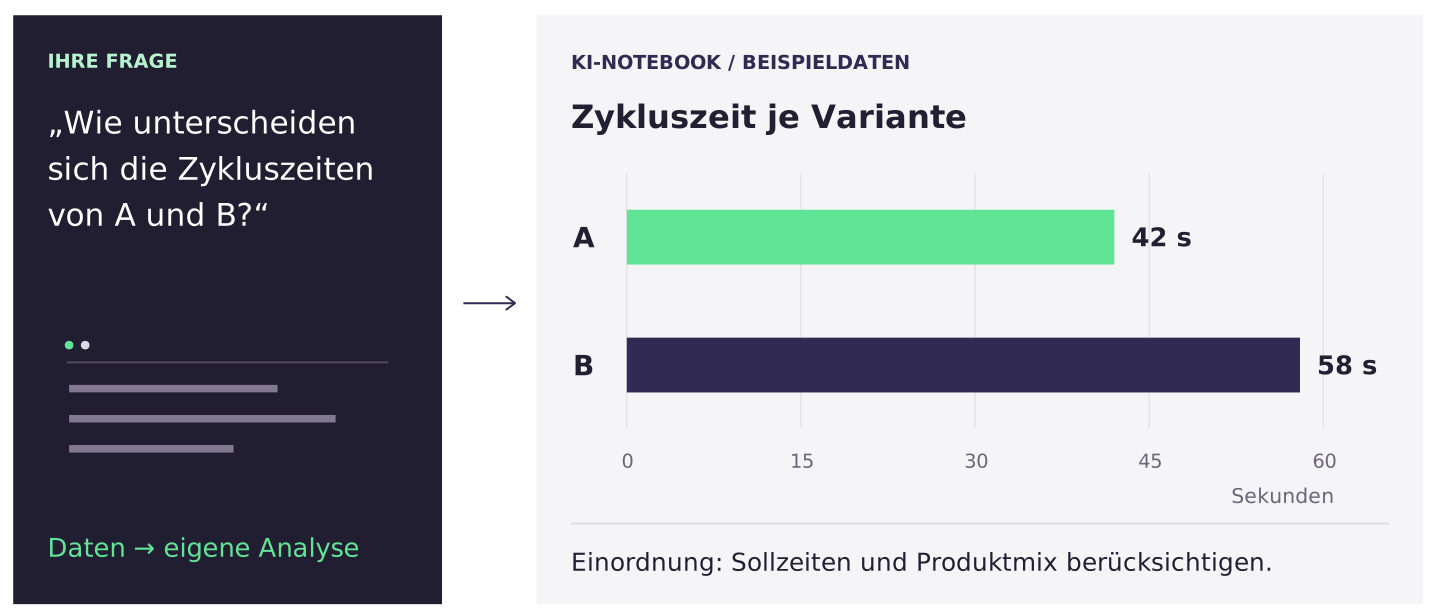
Sample question: “Compare the cycle time for Product A before and after the process change. Show the count, median, and distribution broken down by station. Report missing values separately.”
What You Should Keep in Mind
Even code that executes successfully may still compute the wrong problem. For example, check whether lines actually represent parts or individual processing steps.
The order in which cells are evaluated can affect the results. Be sure to also check a completed notebook with a clean execution state, following the intended order. Record the data period and assumptions so that the process can be reproduced.
The notebook analyzes data; for continuous event processing, use AI pipelines. The time savings come from faster creation and customization, not from eliminating business-side oversight.